How to Use ChatGPT for Conversation Practice: A Step-by-Step Guide
Want to use ChatGPT to practice speaking a new language? This guide gives you the system and prompts to turn the AI into a patient conversation partner.
Why Use ChatGPT for Low-Pressure Conversation Practice?
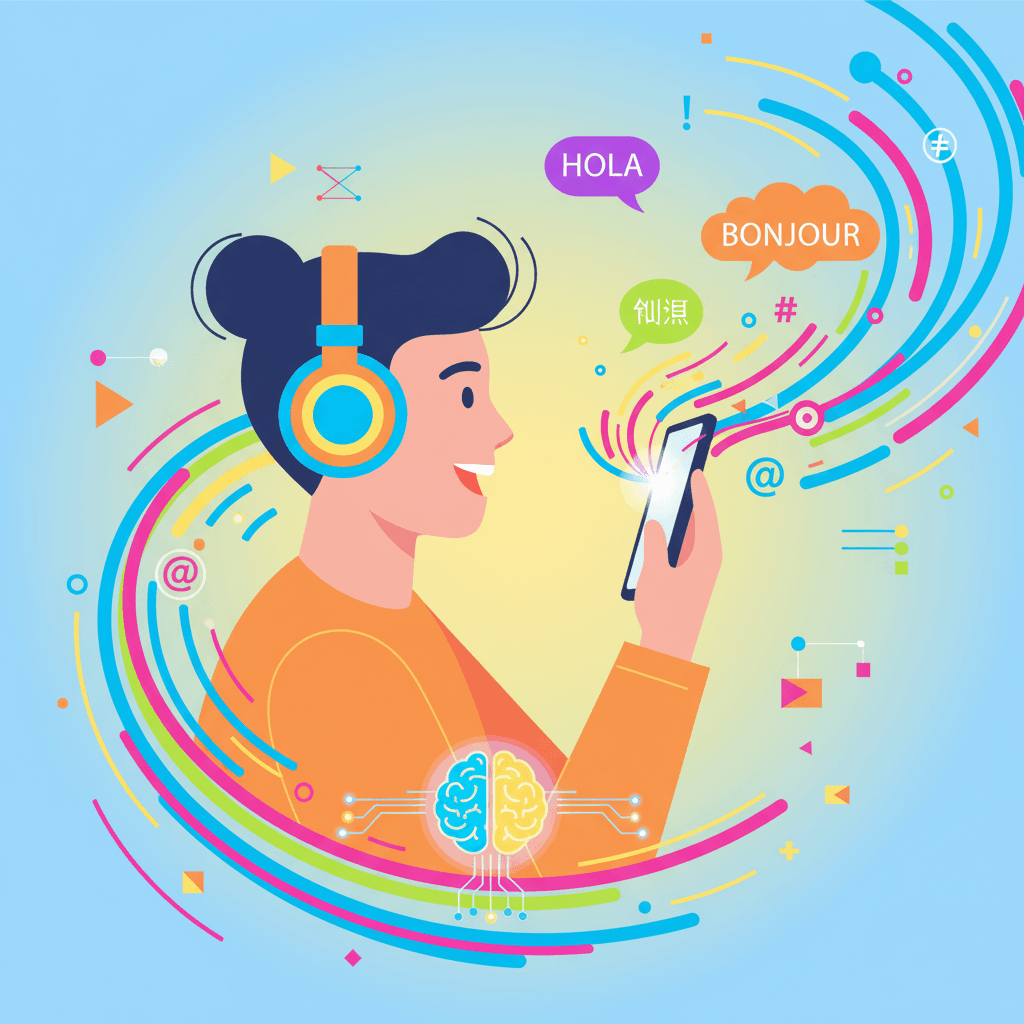
Let's be honest: speaking a new language can be intimidating. The fear of making a mistake, of searching for the right word, or of being misunderstood can hold you back. But what if you could practice speaking for hours in a completely private, judgment-free environment? This is the transformative power of knowing how to use ChatGPT for conversation practice. It’s your personal sandbox for building the foundational confidence you need to speak from day one.
The biggest barrier for many learners isn't knowing the words; it's the anxiety of using them with a real person. As noted in a 2026 trend report, learners increasingly want realistic practice that is less stressful than traditional methods. AI chatbots like ChatGPT fill this need perfectly, offering unlimited conversation opportunities without the pressure. This allows you to get comfortable with the rhythm of a conversation, try out new vocabulary, and build the muscle memory needed to speak confidently, especially if you're at that beginner-to-intermediate (A2-B1) level.
The goal isn't just to talk at an AI; it's to create a responsive dialogue partner that helps you grow. A 2025 pilot study with medical students found that using ChatGPT for communication training significantly boosted their confidence in a low-stress, non-penalizing setting. You're not being graded or judged, which frees you up to take risks, make mistakes, and, most importantly, learn from them.
Step 1: Set Up Your Personal AI Conversation Partner
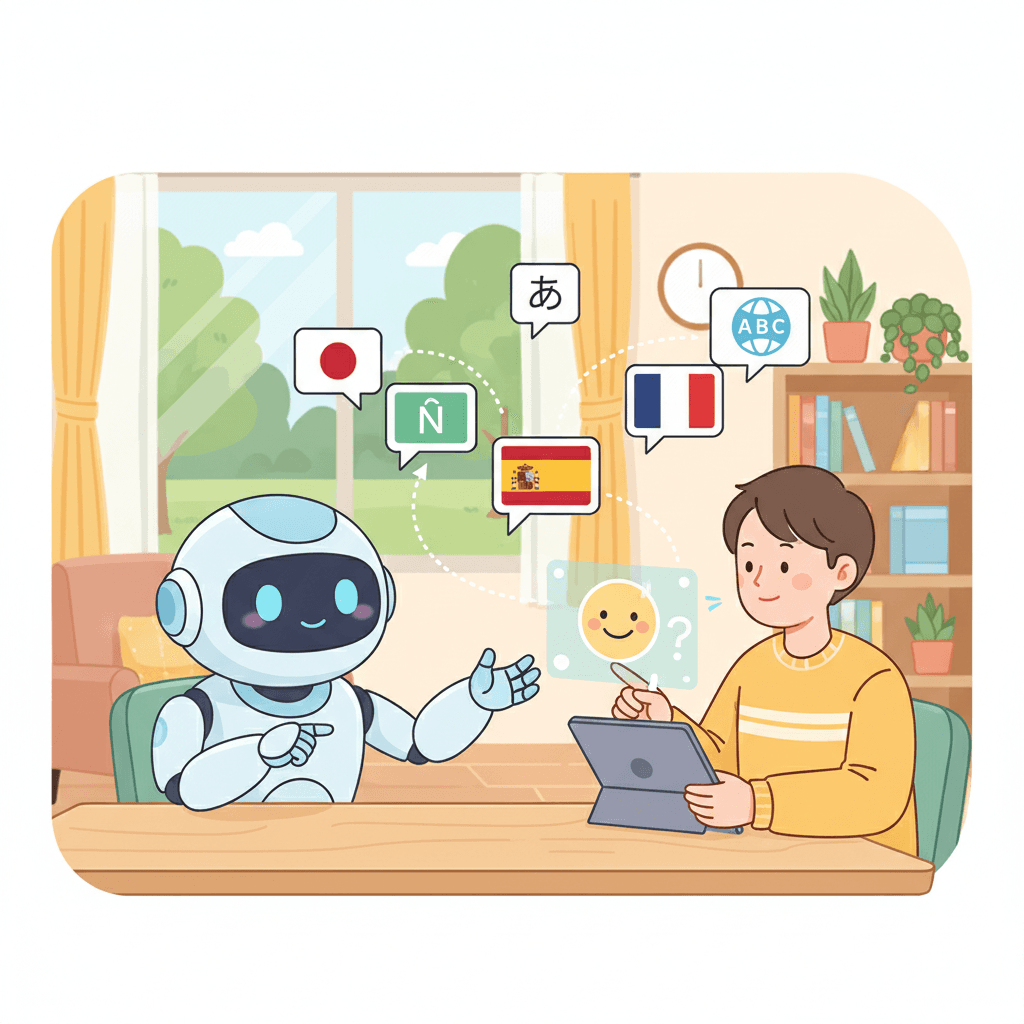
Welcome to the first step in The SpeaksyAI System for AI conversation practice. Our goal is to transform ChatGPT from a general-purpose tool into your dedicated language learning partner. It’s not about just asking random questions; it’s about giving the AI a specific role and context so it can provide the most helpful and realistic responses. Since the technology saw major improvements around 2024-2025, AI now offers more natural and effective conversational abilities than ever before, making this a powerful strategy for any learner.
You can access ChatGPT on its website or through dedicated desktop and mobile apps, making it easy to practice whether you're at home or on the go. The key is to start every session with a clear instruction. For example, by simply telling it, 'Act as a friendly barista. I want to practice ordering coffee in German,' you instantly create a focused role-playing scenario. This strategy, validated by the corporate world's increasing use of AI-supported coaching, is now accessible to you.
Using Text Chat on Desktop and Mobile
The most straightforward way to begin your `chatgpt for english practice` (or any language!) is with text chat. This is the classic interface and a great starting point for getting comfortable with the tool. Interaction is simple and follows a rhythm you're already used to from messaging apps.
- 1.Open ChatGPT on your web browser or in the app.
- 2.Locate the text box, usually at the bottom of your screen.
- 3.Type your message or question. This is called a 'prompt'.
- 4.Press 'Enter' or tap the send button to get a reply.
- 5.Read the AI's response and type your next message to continue the conversation.
A key habit to develop is to treat ChatGPT's first answer as just the beginning of the dialogue. Don't stop there! Ask follow-up questions, request clarification, and keep the conversation going. This iterative process allows you to refine the discussion and build confidence in a private, supportive space.
Activating Voice Mode: A Game-Changer for Speaking Practice
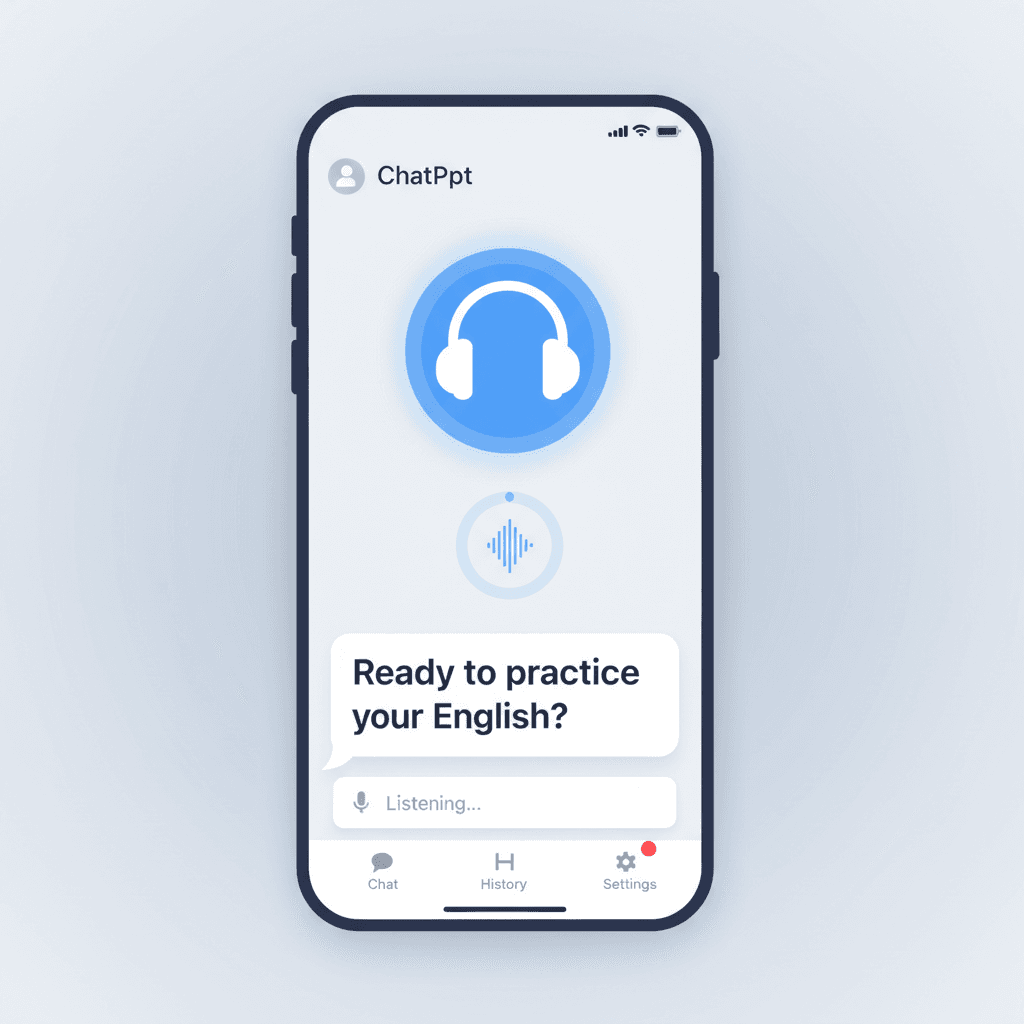
For a truly immersive experience, the `chatgpt voice conversation` feature on the mobile app is a game-changer. Unlike simple text-to-speech dictation, this feature is designed for interactive dialogue, creating a natural, back-and-forth rhythm that closely simulates a real conversation. As you speak, a live transcript appears on the screen, allowing you to see your words and the AI's response in real-time.
- 1.Open the ChatGPT mobile app on your phone.
- 2.Tap the headphone icon located next to the text input box.
- 3.Choose your preferred voice for the AI.
- 4.Start speaking! The app will automatically detect when you've finished talking and will generate an audio response.
This multimodal approach allows you to practice both your listening and speaking skills simultaneously. You can ask for immediate feedback on your grammar or word choice and hear the corrections spoken back to you. It's an incredibly powerful way to move from passively typing to actively speaking.
Step 2: The 'Patient Tutor' Prompt to Start Every Session
To unlock the full potential of `chatgpt for language learning`, you need to be specific. Giving the AI a clear role is the most important part of The SpeaksyAI System. Instead of a generic chatbot, you want a personalized, beginner-friendly tutor. The best way to do this is with a strong starting prompt that sets the rules for your entire conversation.
You are a friendly and patient [Target Language] tutor. I am a beginner learning [Target Language]. My goal is to practice my conversation skills. Let's have a conversation. Please speak slowly, use simple vocabulary, and gently correct my major mistakes at the end of each of your responses. Let's start with a simple greeting.
This prompt works because it defines the AI's role (patient tutor), your level (beginner), and your goal (conversation practice). It also asks for specific feedback, creating that private, judgment-free environment where the AI breaks down complex concepts with clear, encouraging explanations. When you pair this prompt with the Advanced Voice Mode, you create a highly realistic practice environment where you can speak freely.
Step 3: Conversation Prompts for Every Skill Level
Once you've set up your 'Patient Tutor,' it's time to start talking. But what do you talk about? While many guides explain the theory of good prompts, they often lack practical, copy-paste conversation starters. To help you get going, we've compiled a library of `chatgpt conversation prompts` for every proficiency level. Experts agree that providing specific context—like your proficiency and a desired scenario—leads to much more useful `ai conversation practice`.
Beginner Scenarios (A1-A2): The Basics
At this stage, your goal is to build a foundation and get comfortable with core survival phrases. These scenarios focus on simple, real-world interactions in a private, judgment-free setting.
- •Ordering Coffee: "Let's role-play. You are a friendly barista in a café in Paris. I am a customer. Start by greeting me and asking for my order in French."
- •Introducing Yourself: "Let's have a simple conversation. I want to practice introducing myself in Spanish. Ask me my name, where I'm from, and what I do for work."
- •Asking for Directions: "Act as a helpful local in Tokyo. I am a lost tourist. I will ask you for directions to the train station. Please respond with simple, clear instructions in Japanese."
Intermediate Scenarios (B1-B2): Deeper Topics
Now it's time to move beyond the basics and start expressing your own opinions and ideas. Thanks to improvements in AI technology, chatbots can now maintain context in longer conversations, making these deeper role-plays more realistic.
- •Discussing a Movie: "I just watched the movie 'Parasite'. Let's discuss it in German. Ask me what I thought of the plot and the characters, and then share your 'opinion'."
- •Planning a Trip: "You are my friend. Let's plan a weekend trip to the mountains in Italian. Start by suggesting a destination and asking what I think."
- •Talking About Hobbies: "Let's talk about hobbies in French. Ask me what I like to do in my free time, and then tell me about your (the AI's) 'hobbies' so I can practice my listening comprehension."
Advanced Scenarios (C1-C2): Complex Discussions
For advanced learners, ChatGPT can be a tireless partner for practicing nuanced, high-stakes conversations. These prompts help you practice constructing complex arguments and handling professional situations.
- •Job Interview Practice: "You are a hiring manager at a tech company in London, UK. I am applying for a Project Manager role. Please conduct a job interview with me in English, focusing on behavioral questions."
- •Debating a Topic: "Let's have a debate in Spanish. The topic is: 'The pros and cons of remote work.' You argue for the pros, and I will argue for the cons. Please challenge my points and ask for evidence."
- •IELTS/TOEFL Practice: "Act as an IELTS examiner. Let's do a full practice speaking test. Start with Part 1 questions about my hometown, then give me a Part 2 topic card, and finish with Part 3 discussion questions related to the topic."
Step 4: How to Ask for and Use ChatGPT's Feedback
ChatGPT won't correct you unless you ask it to. Being proactive is key to turning a simple chat into a powerful learning session. A 2026 study confirmed that AI feedback is highly effective for correcting surface-level features like grammar and vocabulary because it's immediate and accessible. You just need to ask the right way.
Instead of a generic 'correct me,' be specific about the feedback you want. This creates a personalized feedback loop that, as research with high school students shows, can significantly enhance your skills. Try using these prompts after you've sent a message:
For my last response, can you please correct any grammar mistakes and explain why they were wrong in simple terms?
How could I have said that last sentence more naturally, like a native speaker from the US (or UK, Australia, etc.) would?
Limitations: When to Go Beyond ChatGPT
While an incredible tool, it's important to have realistic expectations. As a predictive text model, ChatGPT doesn't truly *understand* content. It can miss subtle cultural nuances and has no memory beyond your current chat, which can make long-term, continuous practice challenging. It's a fantastic supplement, but not a replacement for real-world interaction.
Most importantly, there's one area where a text-based tool fundamentally falls short. Crucially for language learners, ChatGPT cannot listen to your speech, meaning it is unable to provide the real-time, accurate pronunciation feedback required to achieve fluency and sound like a native.
This is where a specialized 'AI language tutor' becomes essential. While ChatGPT is a fantastic starting point for building confidence and practicing sentence structure, platforms like SpeaksyAI (speaksyai.com) are designed specifically for that next step. They can analyze your spoken words and give you the instant, accurate pronunciation and fluency feedback you need to master the sounds of a new language.
Frequently Asked Questions
Frequently Asked Questions
Ready for Real-Time Speaking Feedback?
ChatGPT is a great start. SpeaksyAI is the next step. Get instant, accurate pronunciation and fluency feedback from a dedicated AI language tutor designed for learners.
Join the Waitlist